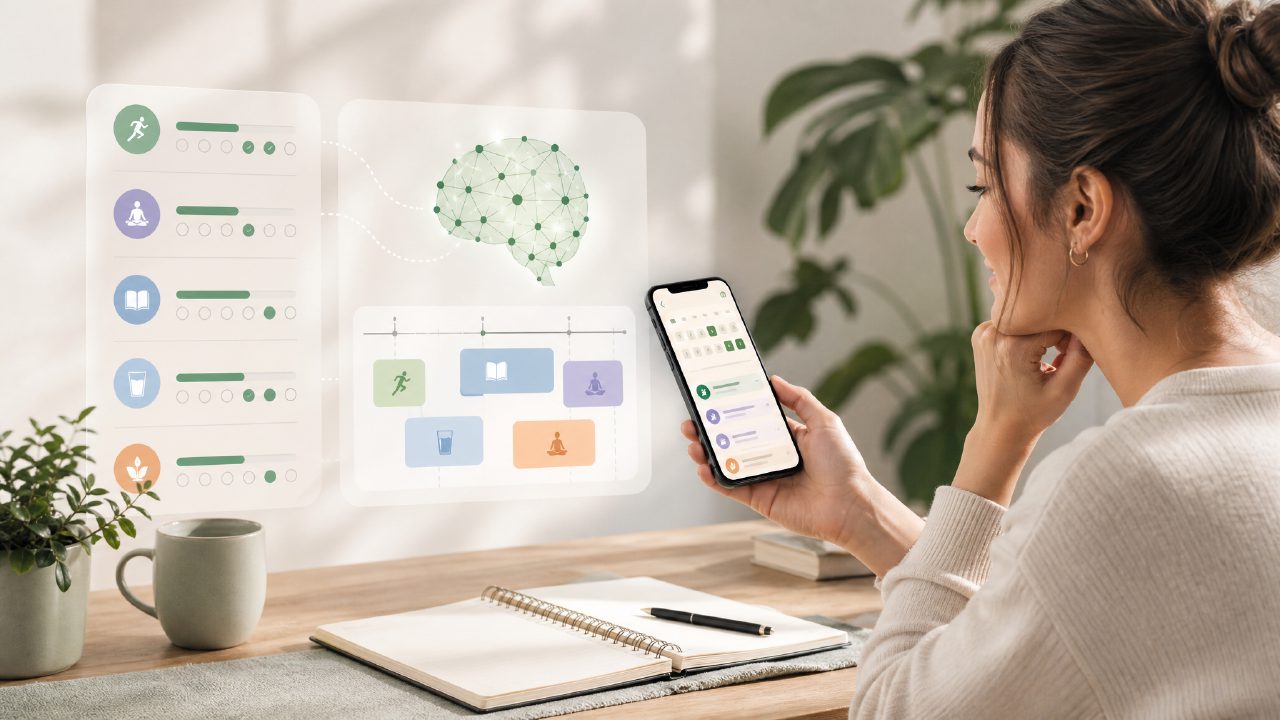
What exactly is the habitly ai habit tracker?
I’ve been through a dozen habit trackers over the years, and most either get too complex too fast or fade into the background because the reminders aren’t sticky enough. That’s why I gave habitly a shot – the promise of an AI that learns your routines and suggests habits sounded like it could shortcut the usual setup friction. In short, habitly is a mobile app that lets you log daily habits, track streaks, and set reminders. The “AI” part comes in when it analyzes your completion history and time patterns to recommend when to schedule certain tasks or which habits to add next. It’s not a full life coach, but it’s more proactive than a bare-bones checklist.
Is the AI in habitly actually useful, or is it just fluff?
This was my biggest skepticism going in. After a week of using it, I’d say the AI is useful in spots. For example, it noticed I always marked “drink water” as done around 10 AM, so it started nudging me at 9:45. That was genuinely helpful. But it also tried to suggest I add “meditate for 10 minutes” immediately after a late-night workout log – which, given my actual schedule, made no sense. The AI learns from your input, but if your habits shift day‑to‑day, the suggestions can feel random. So: helpful as a starting point, but you’ll still want to tweak things manually. It’s not a set‑and‑forget solution.
How good are the reminders and streak tracking?
Reminders work pretty reliably on both iOS and Android – I tested it on an iPhone and a Pixel, and push notifications came through within a minute of the set time. You can set multiple reminders per habit, which is nice for things like “take vitamins” where you might need morning and evening alerts. The streak tracking is straightforward: a simple calendar view with colored dots, and a “streak count” badge that resets if you miss a day. One small friction point: if you log a habit after midnight, it counts for the previous day, which sometimes trips me up when I stay up late. I wish there was a toggle to choose the day boundary.
What are the real limitations or downsides you noticed?
The main tradeoff is that the AI suggestions can lead you down a rabbit hole of adding too many habits too quickly. The app encourages you to “build systems” for health, study, focus, and personal growth – which sounds great – but if you follow all the prompts, you might end up with 15 habits in your first week. That’s overwhelming for most people. I had to delete several and start over with just 3 core habits. Also, the free version is decent but limits you to 3 active habit “systems” (categories) at a time, and some advanced analytics are locked behind a subscription. The free tier is good enough to test whether the approach works for you, but if you want the AI to truly learn your patterns over months, you’ll likely need to upgrade. I’d call it a best free ai habit tracker 2026 only if you’re okay with those limits – otherwise, it’s a capable but not mind‑blowing tool.
How does habitly compare to other habit trackers you’ve used?
Compared to something like Habitica (gamified) or Streaks (Apple‑only), habitly sits somewhere in the middle. It’s less game‑y and more focused on consistency with a gentle AI layer. What sets it apart is the habit‑suggestion feature – even if imperfect – because it saves you from staring at a blank “add habit” screen. But for pure simplicity, I still think a paper bullet journal or an app like Loop Habit Tracker is faster. If you’re looking for the best ai habit tracker 2026 in terms of smart scheduling, habitly is probably the frontrunner right now, but that’s partly because the whole “AI habit tracking” category is still small. It’s promising but not yet polished enough to replace everything else.
Who should actually use habitly – and who should skip it?
If you’re someone who wants a little guidance when building new routines and don’t mind correcting the AI now and then, habitly is worth a download. It’s especially good if you struggle with starting a habit system because the AI gives you that initial push. On the other hand, if you already have a solid tracking method, or if you hate apps that try to be smarter than you, it’ll probably annoy you more than help. I’d also say it’s not the best fit for people with very erratic schedules – the AI needs consistent time patterns to be useful. Overall, I’m keeping it on my phone for now, but I’m not ready to call it essential. It’s a practical tool with genuine smarts and real rough edges – and that’s honest enough to be worth your time if you’re curious.
Comments
Leave a Comment