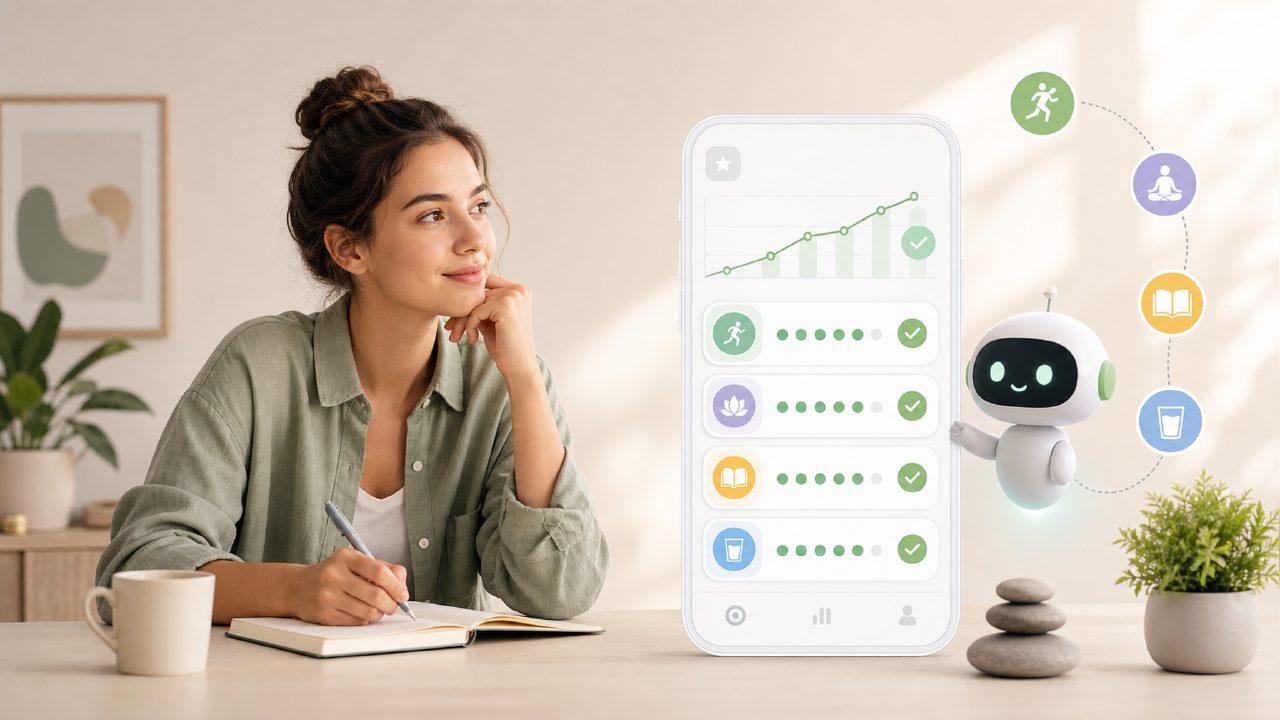
I’ve been cycling through habit trackers for about three years now. Every few months I convince myself the next app will be the one that finally makes morning routines stick. When I came across habitly build habits that stick as a tagline, I was skeptical—it sounds like every other productivity app’s elevator pitch. But I downloaded it anyway, mostly because I was tired of paying for features I never used. Habitly is free, which immediately lowered my expectations. After two weeks of daily use, I have some specific observations that might help you decide if it’s worth your time.
First impressions and the “AI” angle
The app calls itself a “best free AI habit tracker” in some descriptions, and to be fair, the AI part is noticeable—but not in the flashy way you’d expect. When you set up a new habit, it asks a few questions about your goal (like “wake up earlier”) and then suggests a schedule and a few sub-steps. I tested this with “read 20 pages a day.” The app proposed starting with 5 pages and increasing gradually, with a reminder at 8:30 PM. That was actually reasonable. It didn’t feel like generic advice, which was a pleasant surprise.
But the AI isn’t mind-blowing. It didn’t adapt much after the first week, even when I marked some days as missed. I expected it to re-suggest a smaller goal, but it just kept the same routine. That’s the first tradeoff: the AI is helpful for setup, but not for ongoing adjustment. If you need a dynamic coach that tweaks your plan based on real behavior, this isn’t that.
What actually worked for me
I focused on two habits: studying Spanish (15 minutes daily) and drinking water before coffee. Habitly’s streak tracking is clean—no animations, no badges, just a simple calendar view that shows green for completed days. That minimal design actually helped me stay consistent because I wasn’t overwhelmed by clutter. The streak counter is front and center on the home screen, which creates a bit of pressure (in a good way) to keep the chain going.
One concrete observation: the reminders are smart. You can set location-based triggers (like “when I leave the gym”) along with time-based ones. I used this to remind me to take vitamins when I arrived at the office. It worked about 80% of the time—sometimes the location trigger was late by a few minutes, but it did fire. That’s more than I can say for other free apps I’ve tried.
Where it felt unfinished
There’s a “Focus Mode” section that’s supposed to help you block distractions during a habit session. I tried it while studying. It basically turns into a timer with a stopwatch and a note field. It’s fine, but it doesn’t integrate with your phone’s do-not-disturb or block apps directly. So it’s more of a manual focus tool. I suspect the “free ai habit tracker app 2026” marketing might be overpromising here—the AI is present but shallow in this area.
Another friction: the app sometimes asks to rate your mood after completing a habit. I liked this in theory, but the mood selector has only five preset emojis and no way to add notes. After a few days, I stopped using it because it felt repetitive without offering any insight. Data without context isn’t very useful.
Who should consider the habitly ai habit tracker
If you’re looking for a no-cost way to establish one or two simple routines, this app is solid. The onboarding is fast, the streak system is motivating without being pushy, and the AI setup suggestions save you from guessing the first step. But if you need multiple complex routines, habit stacking features, or detailed analytics, you’ll probably hit a wall. I tried adding a third habit (meditation) and the interface got a bit crowded—the home screen starts to scroll, and there’s no way to group habits by category without manually tagging them.
I also noticed the free version doesn’t have cloud backup. If you switch phones, you might lose your streaks. That’s a real limitation for anyone who’s serious about long-term tracking. For now, I’m using it as a lightweight tool, not a long-term system.
Final thoughts
I’m still using Habitly after two weeks, which is longer than most apps survive on my phone. It won’t replace something like Streaks or Habitica if you want gamification, but for a free, no-frills tracker with a decent AI kickstart, it’s worth a test. The tagline “habitly build habits that stick” feels slightly too ambitious—the app helps you start, but sticking requires your own effort. That’s fine by me. I just wish the AI did a bit more after the first week.
Comments
Leave a Comment