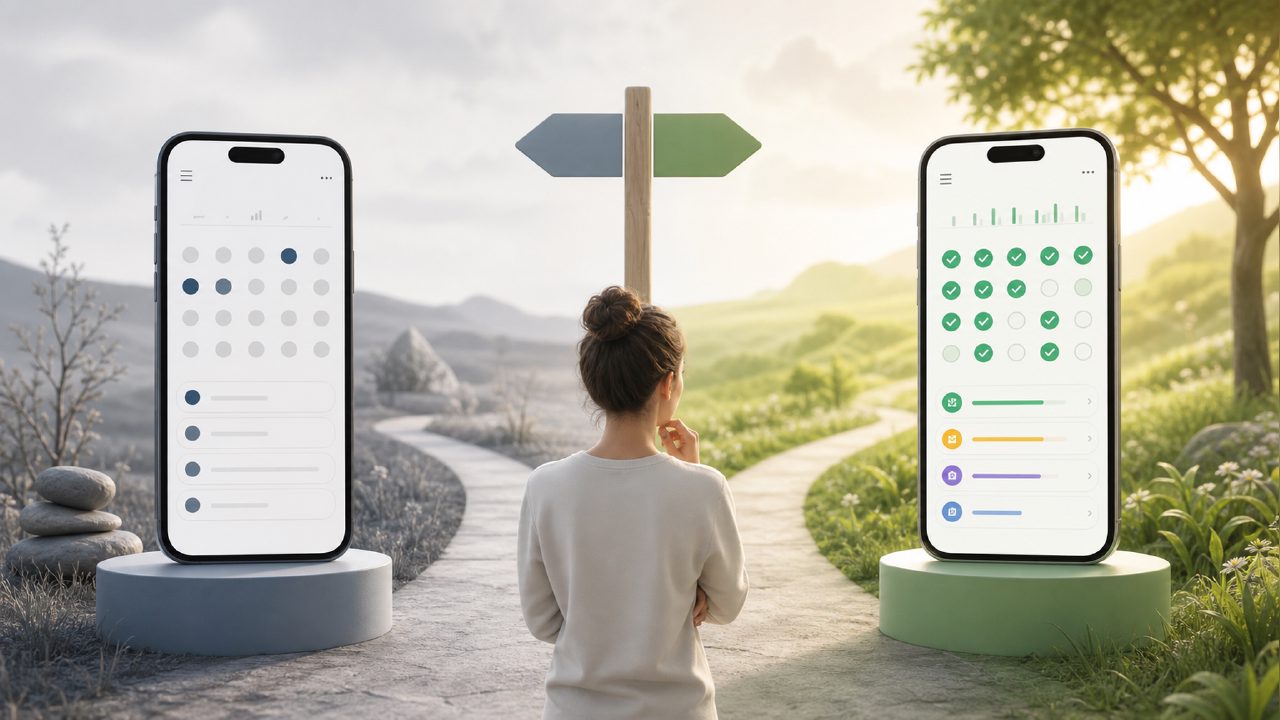
I’ve been bouncing between habit trackers for years. Every few months, I download a new one, use it for a week, then fall off. This time, I wanted something that actually stuck. I gave both Habitly and Habitify a serious try over a few weeks, focusing on building a single consistent morning routine. Here’s what I found.
Setting up the same routine in both apps
I started with a simple block: wake up, drink water, 10-minute stretch, journal for 5 minutes. Nothing extreme.
Habitify lets you create routines with time blocks and reminders. It’s clean and structured. You can set specific start and end times, and it shows your day in a timeline view. That felt good at first. But the free tier only allows a limited number of habits. After adding four, I hit the paywall.
Habitly, on the other hand, doesn’t limit how many habits you can track on the free version. That alone kept me testing it longer. You add habits one by one and assign them a streak and a frequency. It’s less polished — the UI feels a bit more basic, but it gets out of your way. I liked that I didn’t have to upgrade immediately just to see if the app would actually help me.
Streaks, consistency, and the AI feature
Both apps track streaks. Habitify shows a nice calendar view and sends a daily summary. Habitly also tracks streaks but displays them more simply — just a number and a small progress bar. I found myself checking Habitly more often because it felt less like I was being judged. Habitify’s daily reminder sometimes felt pushy.
Now, the AI part. Habitly claims to use AI for habit suggestions. When I first opened it, it asked about my goals — health, study, focus — and then recommended a few habits. The suggestions were fine: “drink water at 9am,” “read for 15 minutes.” Nothing groundbreaking. But it was a nice starting point if you’re not sure what to track. Habitify doesn’t have an AI recommendation feature at all. If you search for “best AI habit tracker 2026,” Habitly is one of the few free options that even tries. That gives it an edge for people who want guidance, not just a log.
Is the AI smart? Not really. It didn’t adjust when I skipped a habit or changed my schedule. It’s more of a one-time suggestion engine. For a best free AI habit tracker 2026, it works, but don’t expect it to learn your patterns over time. That’s a realistic limitation.
Where each app tripped me up
Habitify’s free tier felt too restrictive. I couldn’t add more than three habits without paying. For a casual user, that’s annoying. Habitly lets you add unlimited habits for free. But Habitly’s app occasionally lags — when I checked a habit, the checkmark animation sometimes froze for a second. Small thing, but it broke the flow.
Habitify also has better design. Its dark mode is smooth, and the icons are prettier. Habitly looks like a functional tool, not a polished product. If aesthetics matter to you, Habitify wins. If you just need something that works without paying, Habitly is the better pick.
Another friction point: Habitly doesn’t have a web version yet. I prefer to check my habits on a laptop sometimes. Habitify has a web app. That was a dealbreaker for me during a workday.
Which one should you actually try?
If you’re looking for a best free AI habit tracker right now, Habitly is a strong candidate — especially because it’s completely usable without spending money. The AI suggestion feature is a nice bonus, even if it’s limited. Habitify is better if you’re willing to pay for a cleaner experience and want cross-device sync.
I ended up sticking with Habitly for about two weeks, which is longer than I’ve ever kept a habit tracker. The simplicity helped. I wasn’t fighting the app. But I did miss the web access. If Habitly adds that, it would be a no‑brainer.
Habitly isn’t perfect. It’s rough around the edges. But for a free tool that actually helped me stay consistent, I’ll take the rough edges over a paywall.
Comments
Leave a Comment